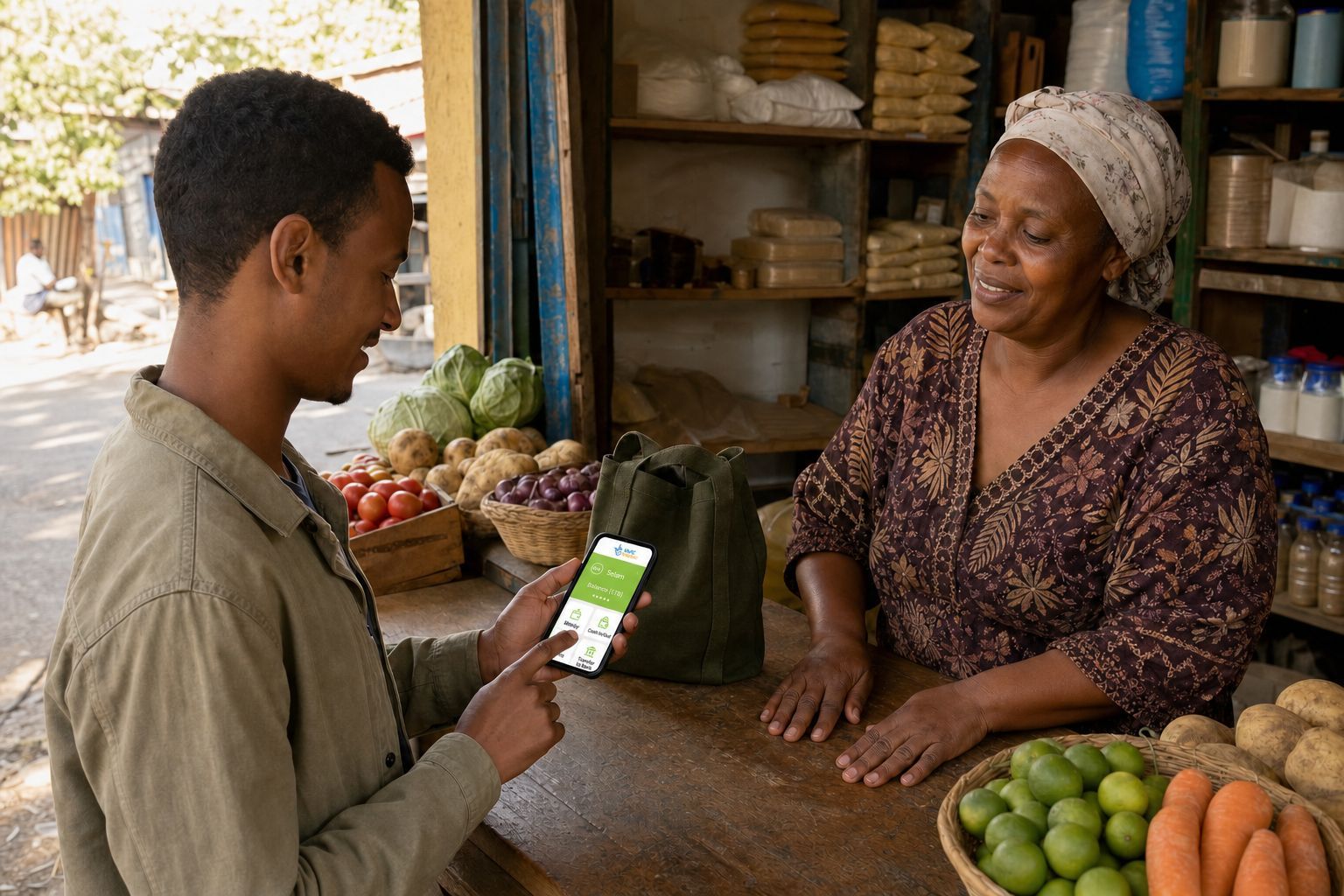
 Read the receiver name and total charge before confirming a wallet payment.
Telebirr can turn a phone number into a useful payment tool. You can receive money, pay another user, buy airtime, settle supported bills, pay some merchants, or move between cash and electronic value through an authorized point.
The convenience is real, but the app is not magic. You still need correct registration, enough balance, a protected PIN, a trustworthy agent, and a record when something goes wrong.
This guide explains the flow in plain language. Menus, limits, charges, and partner services can change, so confirm current details through Ethio telecom’s official Telebirr pages or support before a large transaction.
What Telebirr is
Telebirr is a mobile money service operated by Ethio telecom. The National Bank of Ethiopia lists Ethio telecom and Telebirr as a licensed payment instrument issuer.
A Telebirr wallet is not the same thing as a normal bank savings account. It holds electronic value in Ethiopian birr and supports payment services under its own terms. Some banks can link to or transfer with the wallet, but those connections do not make the products identical.
The difference matters when you have a complaint. Identify whether the money began in Telebirr, a bank account, an international remittance service, or another wallet.
What you need to register
Ethio telecom’s current FAQ sets out the baseline: registration is open to people 18 and older with an active Ethio telecom number, a recent photograph, and valid identification (verified 6 August 2026). Self registration is possible through *127# or the Telebirr app, but completing it that way still requires uploading identification and a photograph inside the flow. Registering instead at an authorized Telebirr agent or an Ethio telecom shop only requires the active number and identification, since the agent or shop handles the identity submission in person.
The accepted identification, customer category, verification level, and account limit are worth checking on the date you register, since they are set by Ethio telecom and can move between the time this is written and the day you sign up.
Use only:
- The official Telebirr app reached from Ethio telecom’s website or a verified app store publisher
- The official USSD code shown by Ethio telecom
- An Ethio telecom shop
- An authorized Telebirr agent
Registration is free (verified 6 August 2026). Do not pay a person outside the official process to “activate” the wallet.
Choose your own PIN. Do not use the phone number, birth year, or four repeated digits. Shield the screen when entering it and never tell the agent.
Check the account before adding money
After registration:
- Confirm the name on the wallet.
- Check the mobile number.
- Review the current account level and limits.
- Save the official support channels.
- Learn how to change or reset the PIN.
- Make sure transaction notifications reach your phone.
If the name or number is wrong, correct it before using the wallet. A mismatch can make recovery and identity checks difficult later.
How cash in works
Cash in exchanges physical birr for the same value of electronic money credited to the wallet, subject to the service’s terms.
Ethio telecom says customers can add money at an authorized agent or point of sale, or transfer from a supported linked bank account. Partner banks and steps can change.
At an agent:
- Check that the outlet is authorized
- State your own number clearly
- Confirm the number and amount before the agent submits
- Wait for the official transaction notice
- Check the wallet balance yourself
- Hand over cash according to the confirmed official flow
- Keep the receipt or reference
Do not rely only on the agent’s screen. Do not leave if your cash is gone but your wallet has not been credited. Ask for the transaction reference and contact official support if the issue cannot be resolved at the outlet.
How to send money
Telebirr’s official guidance says registered users can send money through its app or USSD channel. The menu wording may change, but a careful transfer follows the same logic:
- Choose send money.
- Enter or select the recipient.
- Read the recipient name returned by the system.
- Enter the amount.
- Review any charge and the total debit.
- Confirm once with your PIN.
- Save the reference.
- Ask the recipient to check their own wallet.
For a new recipient, send a small test amount first. If the displayed name is wrong, stop. A familiar profile photo in a messaging app does not prove the payment number belongs to that person.
Do not repeat the transfer simply because an SMS is slow. Check the wallet history and balance first.
Paying a merchant, airtime, or bill
Telebirr supports merchant payments, airtime purchase, and supported bill services. Availability depends on the merchant and current menu.
The guide to apps for daily life in Ethiopia places the wallet beside transport, communication, and other practical tools, with a reminder to recheck current availability.
For a merchant payment, confirm:
- The merchant name
- The amount entered
- Whether you or the merchant enters it
- The charge, if any
- The official success message
- The merchant’s own confirmation
A printed QR code can be covered with a different code. Read the merchant name after scanning and before confirming.
When buying airtime for another person, type the number carefully. Airtime sent to the wrong valid number may not be reversible, so confirm the current reversal policy with Telebirr support rather than assuming it can always be undone.
For bills, keep the account or customer reference and the Telebirr receipt. Ask the biller how long posting normally takes before paying at the last minute.
Withdrawing cash
Ethio telecom’s FAQ describes cash out through authorized agents or points of sale, using the app or USSD flow, and mentions voucher based options. Exact steps and participating outlets can change.
Before confirming:
- Check the agent identity shown in the wallet
- Ask whether enough cash is available
- Review the withdrawal amount and charge
- Enter the PIN privately
- Count the cash before leaving
- Keep the electronic receipt
Never give the agent your PIN. The agent does not need to hold your unlocked phone away from you. If a voucher is used, treat its code like cash and do not share it with anybody except through the official collection step.
Moving money between a bank and Telebirr
Some banks support links or transfers to and from Telebirr. The bank, account name, service status, charge, and limit all need current confirmation.
Begin with a small amount. Check which side charges the transfer and whether the receiver appears as your wallet name. Keep both the bank and wallet references, because support may need to trace the handoff between systems.
For wider banking help, see Mobile Banking in Ethiopia. If the money comes from abroad, read How to Receive International Payments in Ethiopia and confirm that the remittance provider is licensed and approved for the route.
Fees and limits
Telebirr charges can depend on the service and amount range. Balance and transaction limits can depend on account verification and current NBE rules.
Before publishing a table, collect and date:
- Person to person transfer charge
- Agent cash out charge by amount range
- Bank transfer charge
- Merchant payment charge
- Bill payment charge
- Account balance limit
- Single transaction limit
- Daily and monthly limits
Use the official current fee schedule and the actual confirmation screen for these figures, not numbers quoted from an old video or promotional poster.
Keep the wallet safe
A person pretending to be support may already know your name and number. That does not make the call genuine.
Never share:
- Your PIN
- A one time password
- A reset code
- A voucher code before official collection
- A screenshot that exposes the full account or reference
Ethio telecom’s FAQ directs customers to Telebirr support by calling 127, sending an SMS to 126 for PIN or password reset assistance, or emailing telebirr@ethionet.et (verified 6 August 2026).
If the SIM or phone is lost, contact official support quickly. Ask the provider to protect the wallet, then follow its identity process for SIM and account recovery. Do not let an unknown caller “help” by moving the balance elsewhere.
What to do after a wrong or failed transaction
First establish what happened:
- Was the wallet debited?
- Does a reference exist?
- What status appears in transaction history?
- Did the recipient receive the value in their own history?
- Was a fee charged?
Save screenshots and messages without exposing the PIN. Contact official support with the reference, date, time, amount, sender, and receiver.
For a wrong transfer, contact Telebirr support with the transaction ID. Ethio telecom’s FAQ says processing a reported case can take up to 48 hours, and recovery is only possible while the funds remain in the recipient’s wallet (verified 6 August 2026). A merchant payment reversal has to be initiated by the merchant, not the customer, so if you paid the wrong merchant, that business needs to start the reversal on their side.
Read Telebirr’s own customer terms carefully here. A completed transaction is described as final and irrevocable, while the same terms also allow a limited, discretionary reversal under specified conditions (verified 6 August 2026). In practice, that means recovery is possible in some cases, not guaranteed. Report an error immediately and follow the formal process, and confirm its current steps with official support since the process can change.
The FAQ also mentions an almost immediate self reversal option, sent by messaging a dedicated shortcode with the transaction ID, but the actual shortcode is missing from Ethio telecom’s public page. Do not guess it. Get the correct shortcode by calling 127, checking inside the app, or checking the original transaction SMS.
For unresolved issues, the NBE’s consumer complaint route currently asks customers to contact the provider first. NBE says it may review a case when the response is unsatisfactory or no response arrives within ten business days. Recheck that period and required documents before publication.
A simple first day practice
Once registration is correct:
- Add a small amount through an official route.
- Check the new balance.
- Send a small amount to somebody you know.
- Save the receipt.
- Ask the receiver to confirm.
- Review the transaction history.
- Find the support and PIN reset information without changing anything.
That small practice makes the larger payment less confusing later.
The practical conclusion
Telebirr is most useful when the account belongs clearly to you, the money enters through an authorized route, and every payment is checked before the PIN is entered.
Register officially. Read the receiver name. Review the total debit. Save the reference. Protect every code. If a transaction fails, document it and use the provider’s complaint process instead of paying a stranger to “recover” it.