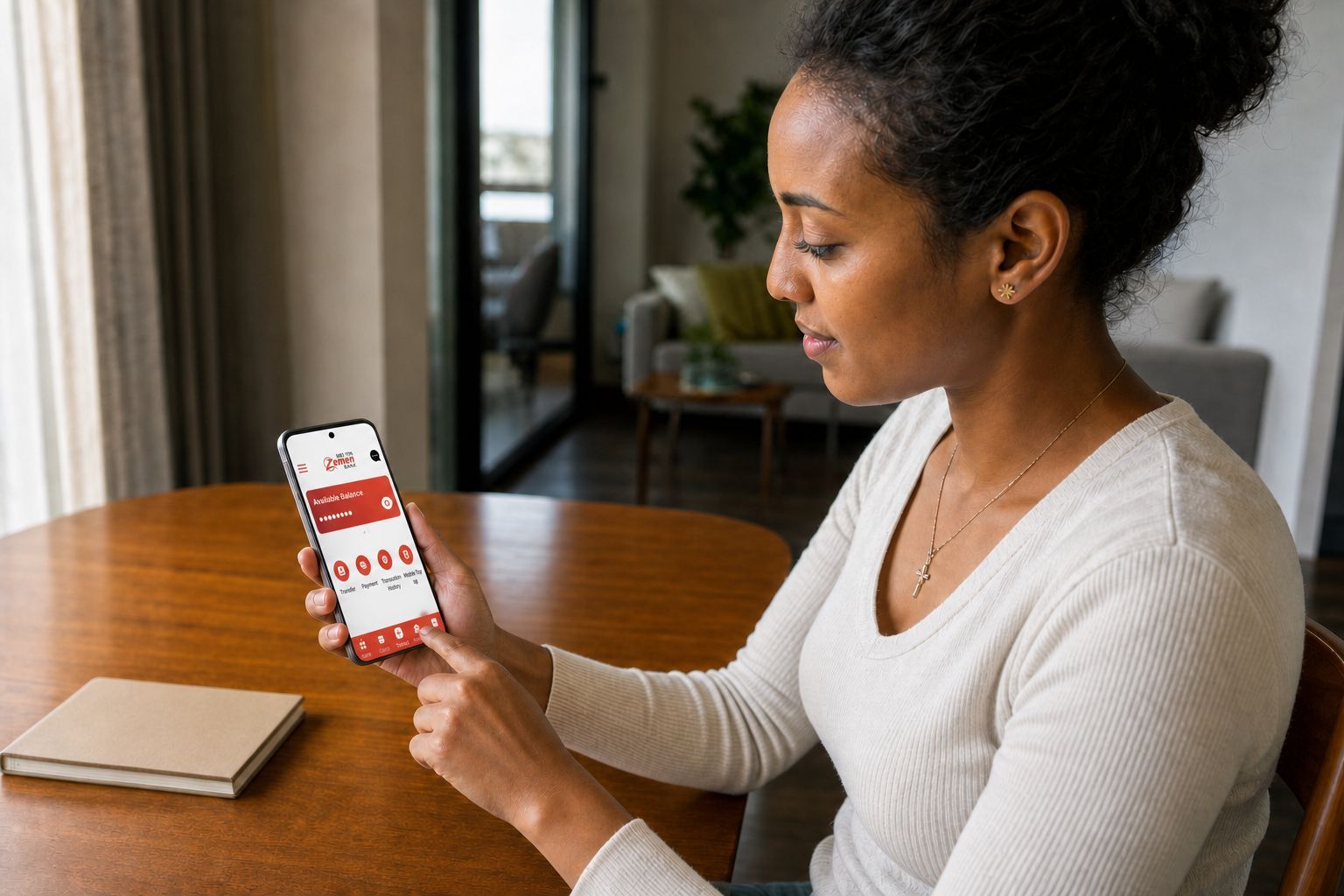
 Pause at the confirmation screen. Ten careful seconds can prevent a long complaint.
Mobile banking saves a branch visit until the day it does not. A transfer stays pending, the receiver’s name looks unfamiliar, or a new phone refuses to register. The service is still useful. You simply need to know what happens before, during, and after “send.”
Ethiopian banks offer different combinations of smartphone apps, USSD, internet banking, cards, and wallet connections. Menus, limits, and charges change, so this is a method rather than a set of buttons to memorize. Use your bank’s official instructions for the final steps.
Mobile banking and mobile money are not the same
Mobile banking gives you digital access to an account held at a bank. Mobile money is a wallet issued by a licensed payment instrument provider. The two systems may connect, but the account, terms, limits, and complaint route can differ.
Telebirr and M PESA, for example, appear in the National Bank of Ethiopia’s directory as payment instrument issuers. Banks appear in a separate licensed bank directory.
This distinction helps when support asks where a failed payment began. Was money sent from a bank account to another bank, from a bank to a wallet, or between wallets? Keep the answer and transaction reference.
For one wallet in more detail, read the Telebirr beginner guide.
Choose the channel that fits your phone and connection
A smartphone app can show detailed history, saved beneficiaries, receipts, and more services. It also needs a compatible device, enough storage, current software, and usually mobile data or WiFi.
USSD can work on a basic phone and may remain useful when data is weak. Its menus are shorter and sessions can expire. Confirm the current code on the bank’s official website, at a branch, or through verified support. Do not trust a code sent by an unknown account.
Internet banking may suit people who work on a computer or need longer records. Check how the bank confirms transactions and whether it requires a specific browser, token, or phone number.
You can register more than one channel if the bank allows it, but each one needs secure recovery details.
Register through an official route
Some banks activate mobile banking at a branch. Others may support a digital process for existing customers. Requirements can change, so check the current registration steps on your own bank’s official channel before you begin.
Before registration:
- Update the phone number linked to the account
- Check your legal name and account number
- Download the app from the bank’s own official link
- Update the phone operating system where practical
- Set a strong screen lock
- Decide how you will recover access if the phone is lost
Do not let a shop employee, friend, or unofficial agent choose the PIN. A helpful person should turn away while you enter private information.
After activation, check the name, masked account number, and balance. If anything is wrong, stop and contact the bank before transferring.
What registration and fees look like at four banks
The exact steps still vary a lot by bank, so here is what four of them currently publish.
Commercial Bank of Ethiopia’s official app listing says a customer receives an authorization code and a PIN from a branch to activate the app, so digital only activation is not yet how CBE mobile banking works (verified 6 August 2026). As one sign the app is actively maintained rather than left alone, CBE’s iOS app was updated to version 6.0.8 on 29 July 2026.
Cooperative Bank of Oromia’s CoopApp instead uses registration inside the app. You enter the account number, receive an SMS activation ID or code, then set a username and an alphanumeric password of at least eight characters (verified 6 August 2026). Coopbank’s digital tariff, dated October 2025, lists a debit card at ETB 120, an instant card at ETB 150, card replacement at ETB 120, and PIN replacement at ETB 25, with no separate mobile maintenance charge. Some transfer fee bands did not extract cleanly from the bank’s published tariff document, so confirm exact transfer charges with Coopbank directly rather than relying on a summarized table.
Bank of Abyssinia charges a mobile and internet banking maintenance fee of ETB 2.50 per month plus applicable taxes, while balance inquiry, bill payment, PIN replacement, and transfers between a customer’s own BoA accounts are listed as free (verified 6 August 2026).
Awash Bank currently requires a branch visit both to activate mobile banking, through an application form, and to reset a PIN, so it offers fewer options to do things yourself than some competitors. Its public tariff also appears to date back roughly three years, so treat any Awash mobile banking amounts you find as needing a fresh check rather than current figures.
Make the first transfer slowly
Begin with a small amount to a person you can contact. The wording and order will vary, but a safe process looks like this:
- Choose the correct source account.
- Choose the transfer type.
- Enter the account, wallet, phone, or merchant information.
- Read the receiver name displayed by the system.
- Enter the amount.
- Review the charge, total debit, and reference.
- Confirm once.
- Save the receipt.
- Ask the receiver to check independently.
If the receiver’s name does not match, do not send and hope. Recheck the number.
For a new beneficiary, test first. A small successful transaction cannot prove every later payment will succeed, but it can catch a typing error before a rent or fee payment.
Understand transfer types and charges
A transfer within one bank may behave differently from a transfer to another bank. A bank to wallet payment may have another limit or charge. Merchant QR payments and bill payments can follow separate rules.
Before relying on the service, check:
- Minimum and maximum transaction amount
- Daily and monthly limits
- Same bank transfer charge
- Other bank transfer charge
- Bank to wallet and wallet to bank charge
- Merchant or bill payment charge
- SMS or receipt charge
- Reversal policy
Collect the actual figures from your bank’s official tariff and confirm them against the display inside the app, since a fee table without a date is already out of date.
The National Bank has introduced an interoperable QR standard intended to support a shared format across banks and payment providers. That does not mean every app and merchant supports every QR feature today. Look for the official standard mark and confirm the receiver name before paying.
Keep records that solve problems
A screenshot alone may not show the full transaction. Keep:
- Transaction reference
- Date and exact time
- Amount
- Source and destination
- Receiver name shown before confirmation
- Status shown in the app
- SMS or email notice
- Screenshot without exposing the PIN or full account details
For rent, tuition, and business payments, ask what proof the receiver accepts. An app success screen is useful, but the receiver’s credited account and the institution’s receipt process decide whether the obligation is complete.
Check the account history afterward. A confirmation message from a scammer is not proof that your bank moved money.
What to do when a transfer fails
Do not press “send” repeatedly.
First check whether the balance was debited and whether a reference exists. Ask the receiver to inspect their own transaction history, not only notifications. Service delays can create a gap between messages and the actual account.
If money was not debited, wait a short time and check system status before trying again. If it was debited but not received:
- Save all evidence.
- Contact your bank through an official channel.
- Give the reference, time, amount, and destination.
- Ask for a complaint or case number.
- Record every contact date and response.
- Do not delete the original messages.
The NBE’s current consumer complaint guidance says the customer should first give the financial service provider a chance to resolve the issue. It states that NBE review becomes available if the customer is dissatisfied or has no response within ten business days. NBE lists line 6230 and the email complaintoffice@nbe.gov.et as the way to escalate at that point (verified 6 August 2026). Check that process again before publishing because complaint rules can change.
Protect the account from common scams
The National Bank has warned about fraud through hacked or impersonated messaging accounts, email, SMS, and fake calls. The story often creates urgency: a relative needs money, an account will close, a prize must be claimed, or support needs a code.
No legitimate caller needs your PIN or one time password. A bank employee should not ask you to transfer money to a personal account to “test” the service.
Useful habits include:
- Use a unique PIN that is not a birthday
- Hide notification content on the locked screen
- Never install a remote control app for an unexpected caller
- Open the official app yourself instead of following a message link
- Check the exact receiver name
- Set reasonable transaction limits where the bank supports them
- Review the account regularly
- Report a lost SIM, phone, or card quickly
If a phone number changes ownership, an old bank profile can create risk. Update the bank before abandoning the number.
Moving to a new phone or SIM
Do not wait until the old phone is gone to learn the recovery process.
Ask the bank:
- Can the old device be removed remotely?
- Does a SIM change require a branch visit?
- Which ID and account information are required?
- How long is digital access paused after a change?
- What number can block the service outside business hours?
Back up nonsecret records, but never store the PIN in an unprotected note or photograph. When selling or giving away a phone, sign out, remove banking access through the provider, and erase the device properly.
A better way to choose a bank app
App store ratings are a clue, not a verdict. Reviews may refer to old versions or devices unlike yours.
Test the service with ordinary tasks:
- Can you log in on your normal connection?
- Is the receiver name clear?
- Does the charge appear before confirmation?
- Can you download or share a useful receipt?
- Is transaction history searchable?
- Can support find a transfer from its reference?
- Is there a USSD backup?
The student banking guide offers a fuller bank comparison. A good mobile service should be part of that choice, not the only factor.
The practical conclusion
Mobile banking works best when you treat each payment as a short verification task. Use the official channel, confirm the receiver, read the charge, save the reference, and know the complaint path before a problem occurs.
Convenience does not remove responsibility, but it should not remove your rights either. Ethiopian financial consumers have the right to clear information, privacy, fair treatment, and a route to seek redress. Keep good evidence and use that route when the provider cannot solve a genuine problem.